
Quox Console · Native for Apple platforms
Your estate, in your pocket.
The native app for QuoxCORE. Chat with your agents, approve the things only a human should approve, and watch your instance’s health, from your iPhone, iPad, Apple Watch and Apple TV. It talks to the QuoxCORE you run yourself.
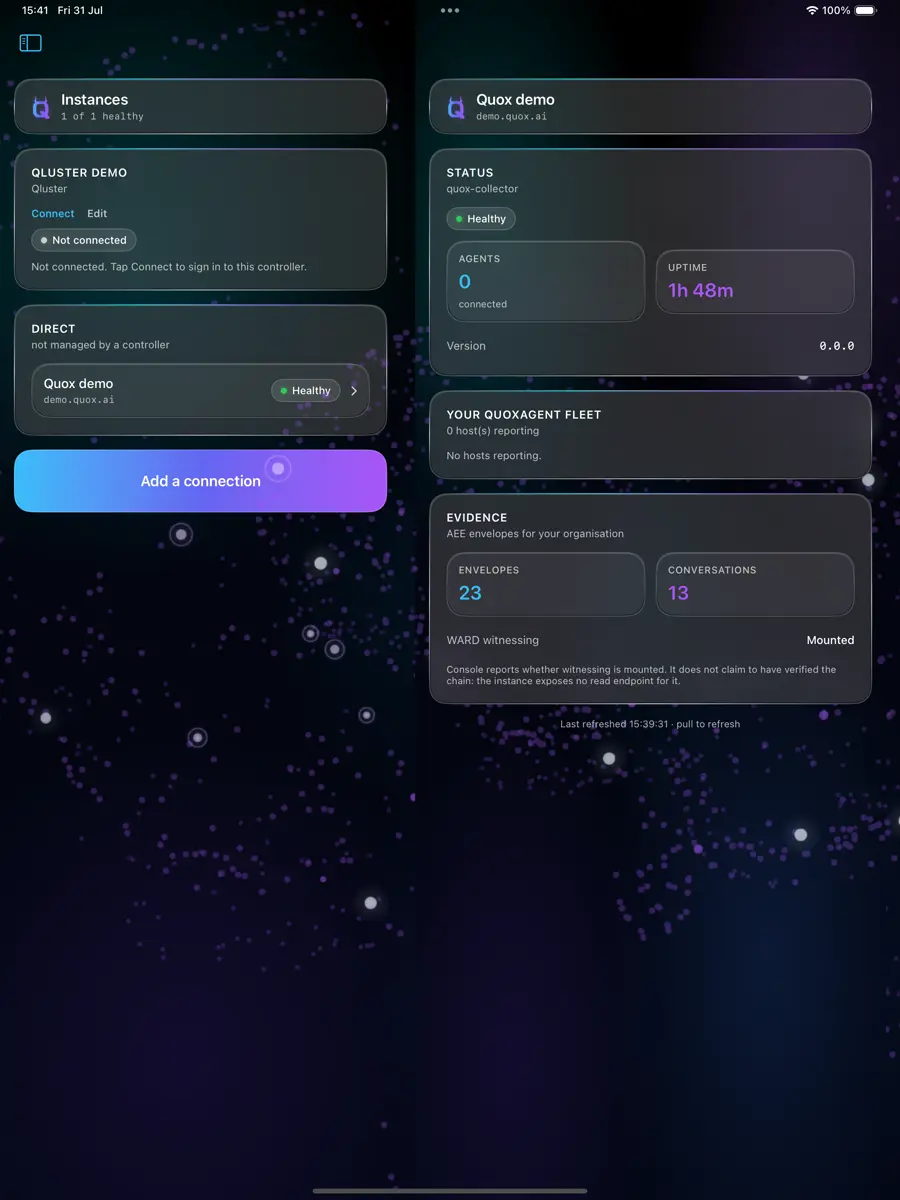

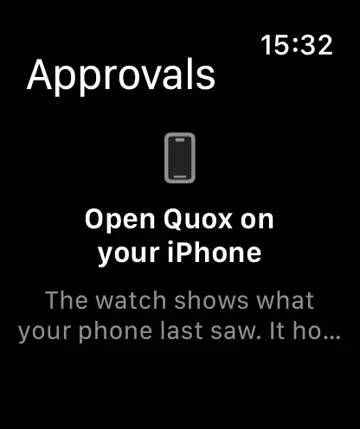
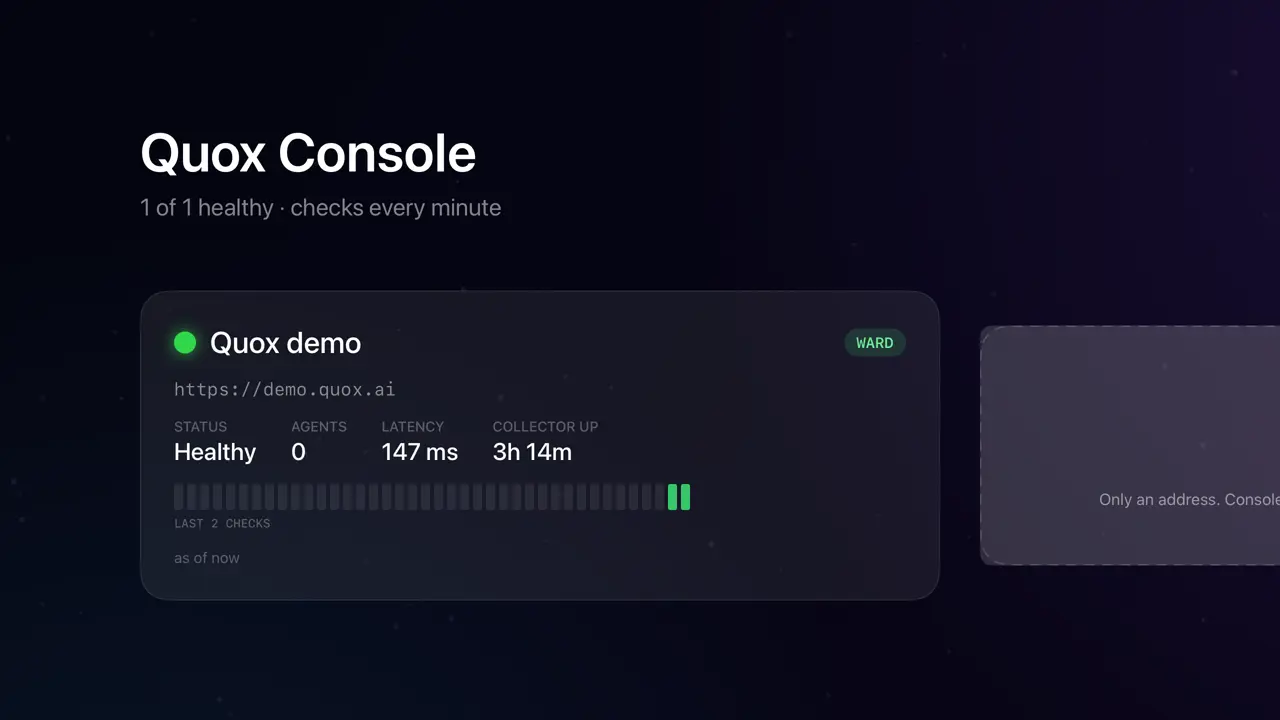
Every frame on this page is a real screenshot from the current beta build. No mockups.
In plain words
What it is, where it lives, when to reach for it
- What is it
- A native Apple app for QuoxCORE: chat with your agents and approve what needs a human.
- Where do I use it
- On your iPhone, iPad, Apple Watch or Apple TV, pointed at your own QuoxCORE instance.
- When would I use it
- When something needs your approval and you are nowhere near the dashboard.
- How do I use it
- No public link yet. Request a TestFlight invite; invites are issued by hand while review readiness finishes.
QuoxCORE is the free, self-hosted platform underneath this. What is QuoxCORE
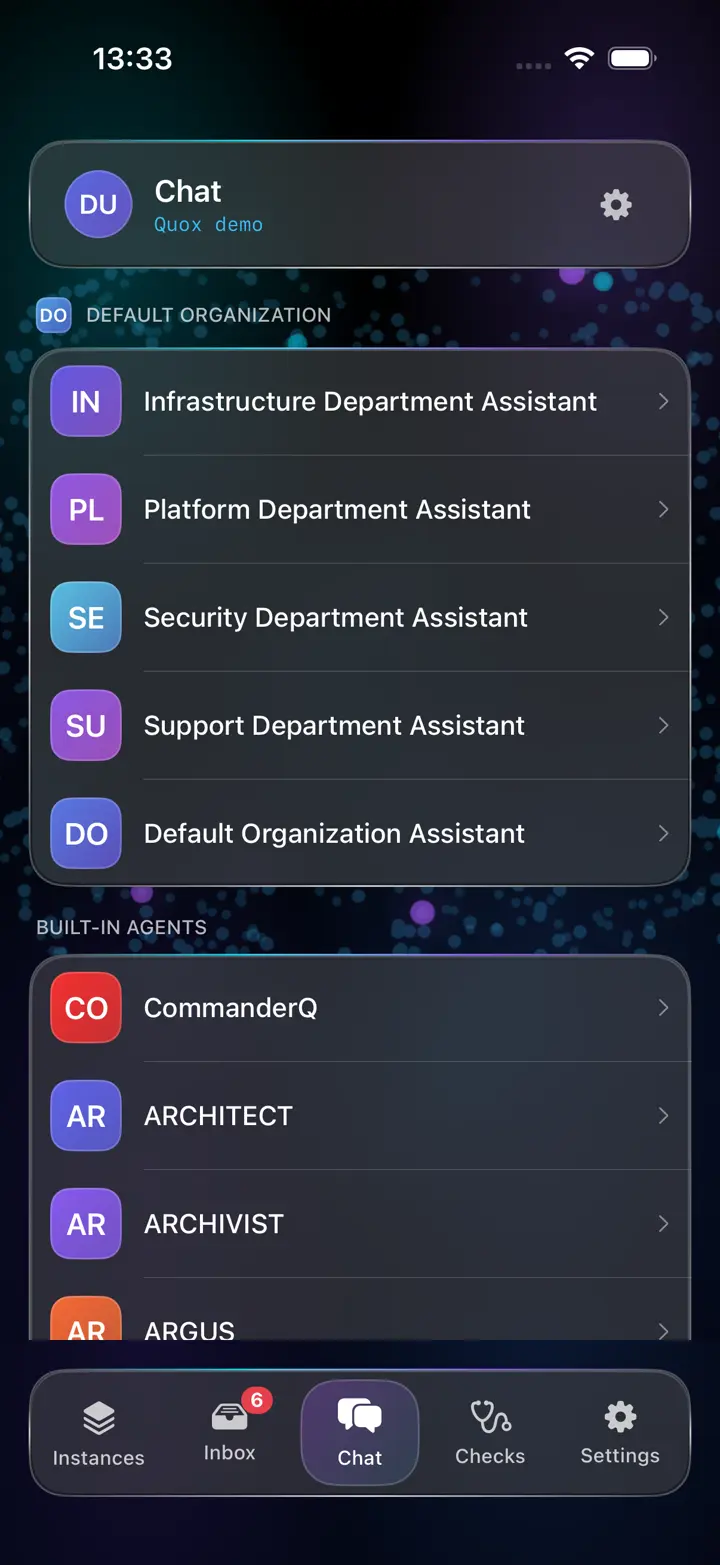
Chat · the main product
Your agents, the way a chat app should feel.
Not a web view. A native conversation surface for every agent on your instance, built-in and custom, with the identity Core gave them.
- Agents wear their Core colours. CommanderQ is red here because it is red on your dashboard. Familiarity travels.
- Profiles. Tap any avatar: who the agent is, what it does, how it is addressed. Tap yours: who you are on each instance.
- Markdown rendered properly. Bold, code, lists. Copy any message as the raw text it came from.
- Conversations survive. History persists on device, drafts survive switching, and the list shows where you left off.
- Honest failure. A message that did not deliver says so, keeps your text, and offers one tap to try again.
Human-in-the-loop
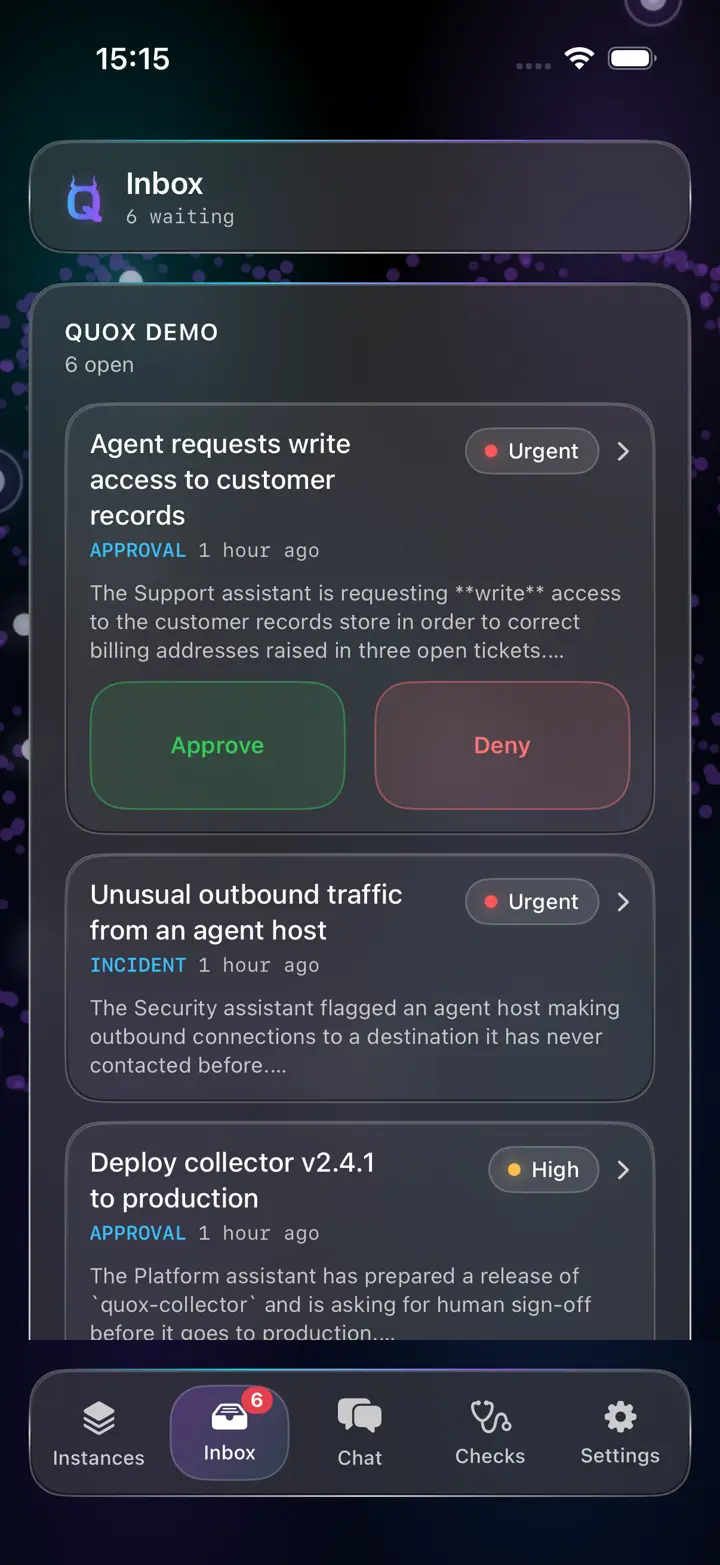
Approve it from the sofa. Or the airport.
Agents pause when a decision needs a human. Console is where that human says yes or no, without walking to a desk.
- Urgent floats to the top. The inbox sorts by priority, refreshes itself while open, and pushes when something new needs you.
- Deny with a reason. Your reason travels to the workflow that asked. Approvals resume it; denials stop it. On the wire, provably.
- No optimistic lies. A decision shows as recorded only when the instance confirms it. A surface for governance should not guess.
- Decided recently. What you just approved stays visible, so you never wonder whether it registered.
One app · five surfaces
Built for the whole Apple estate.
One codebase, one bundle, native on every screen Apple makes. Here is exactly where each surface stands today, because a beta page should say so.
The whole estate, pocketed.
Chat, approvals, estate monitoring, Matrix rooms with attachments, and push, the full product on the phone.
The big-canvas console.
The same build laid out for the split view: estate on the left, evidence on the right, a readable measure throughout.
A glance says enough.
An approvals glance fed by your phone. Runs back to watchOS 8, so older watches are welcome.
The estate on the wall.
Health tiles that poll on their own: latency, uptime, WARD state and a pulse strip of the recent past. No sign-in.
The desk seat.
The Mac build runs today. Its layout is getting a proper desktop tidy-up before it joins TestFlight alongside the others.
The honest ledger
What works today. What is next.
This page is allowed to look good only if it tells the truth. The beta is real software with real edges, and here they are.
In the beta today
- Chat with every agent on your instance, with history, previews, profiles and Core colours.
- Approvals with priority sorting, live refresh, reasons on denial, and push notifications.
- Estate monitoring: instance health, connectivity checks, and a guided trust flow for self-signed servers.
- Matrix rooms on governed instances, including photo and video attachments.
- The public demo estate built in, so you can try everything before connecting your own server.
- Watch companion summarising what needs you.
Being prepared
- Public TestFlight beta. Today invites are manual while we finish review readiness; the public link is the goal.
- Apple TV distribution. The tvOS app is built; it ships once TestFlight carries it.
- Server-side conversation history, so chats follow you across devices. Today history lives on the device.
- Agent avatars from Core, mirroring the customisation coming to the dashboard.
- The Mac app's desktop layout, a tidy-up pass before it joins TestFlight. The build itself runs today.
Pricing
Free. Completely.
Quox Console costs nothing, has no tiers and no seats. You bring a QuoxCORE instance and your own model keys; the app is the native window onto what is already yours. If you just want to look around, the built-in demo estate needs nothing at all.